
Ask AI
— answers from the official manualAnswers from the official manual.
Common questions
Common Questions
5 totalWhat should I do if my device isn't connecting via Bluetooth?
First turn on the switch of the device, click the device icon in the app. If you see a prompt box asking to turn on Bluetooth 'Allow', your phone will automatically activate it (for iPhones, manually activate Bluetooth). This establishes a connection between the device and the phone.
How do I bind my device with the app for the first time?
After logging in for the first time, click '+' to open the scan box. Scan the product ID QR code or use 'enter device code' and input the device code: 9857.
Can I add friends directly from within the app?
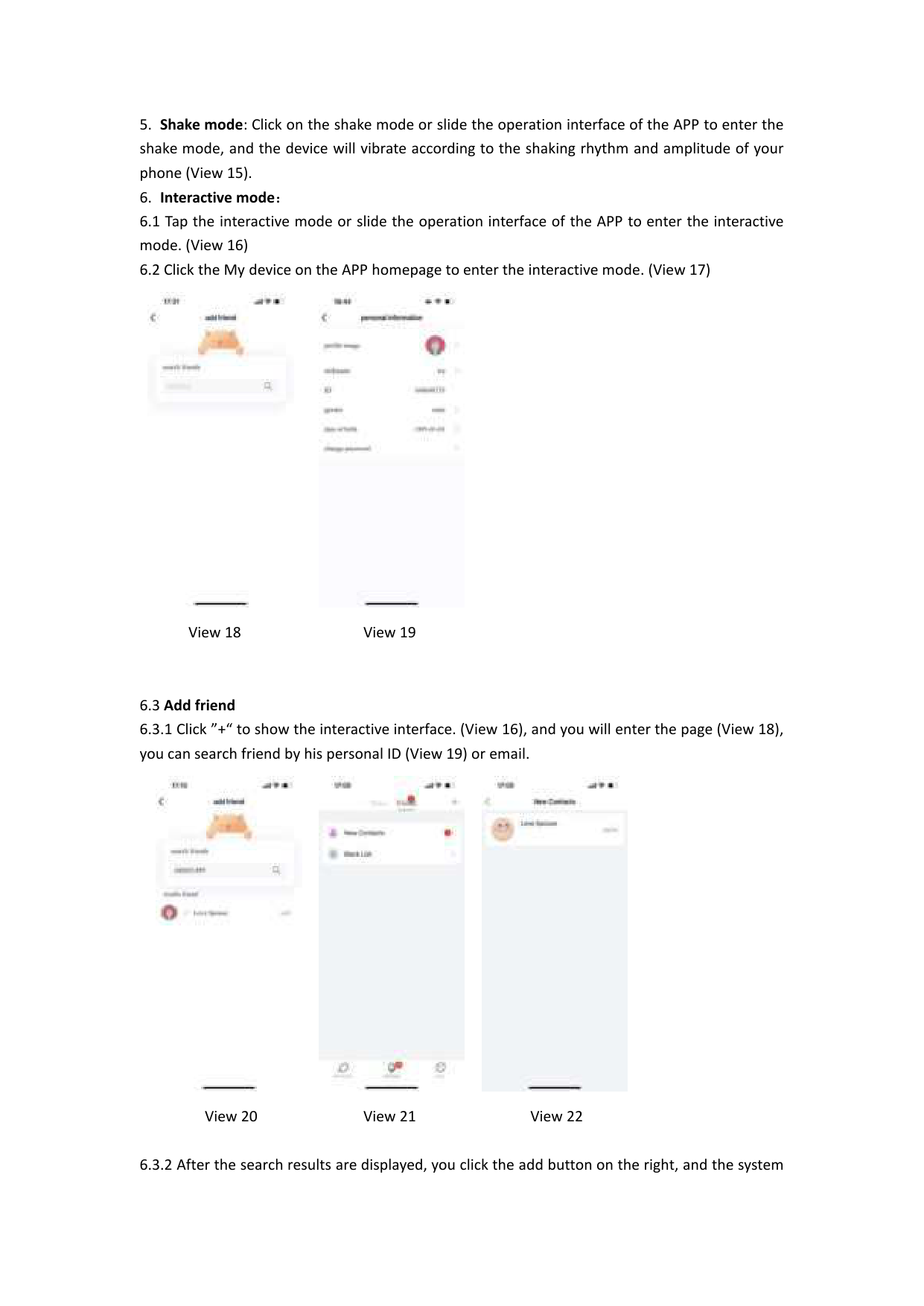
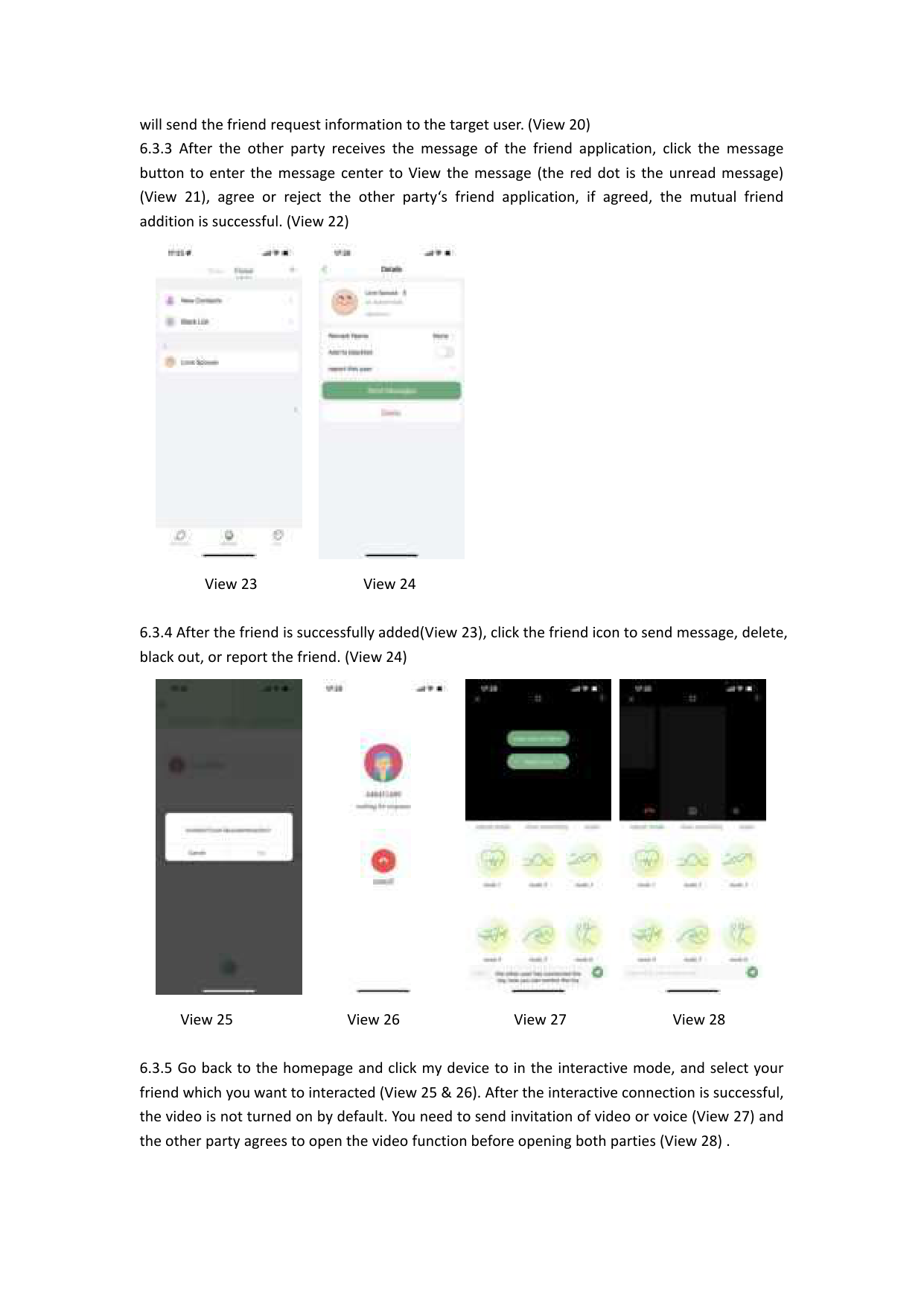
Yes, by clicking '+' you see the interactive interface. From here, search for potential friends using their personal ID or email and send friend request information to them once they're found.
How do I start an interaction with a friend after adding them?
Once added, select your friend from the 'my device' section's home page. Click the friend icon and send a message, video or voice invitation which both parties must agree to before communication via these features.
What happens if I block or report a friend?
If you wish to restrict or remove someone from your friend list, use the settings provided on the friend icon interface for actions like blocking, deleting, reporting, etc.
Full Manual
7 pages

APP Application User Manual
##### Thank you for your purchase, please read the user manual before use.
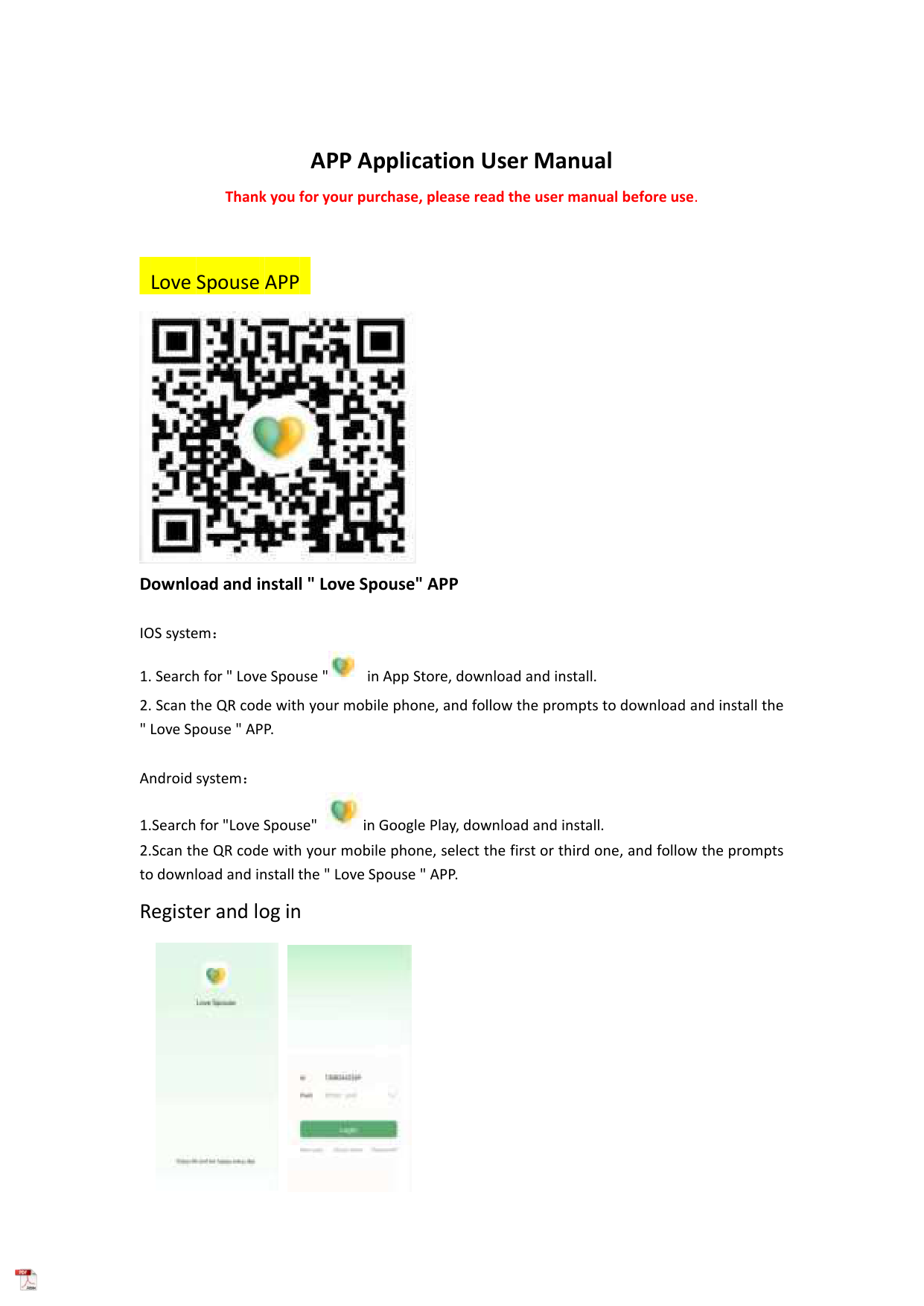
Love Spouse APP

#### Download and install " Love Spouse" APP
IOS system:

Android system:
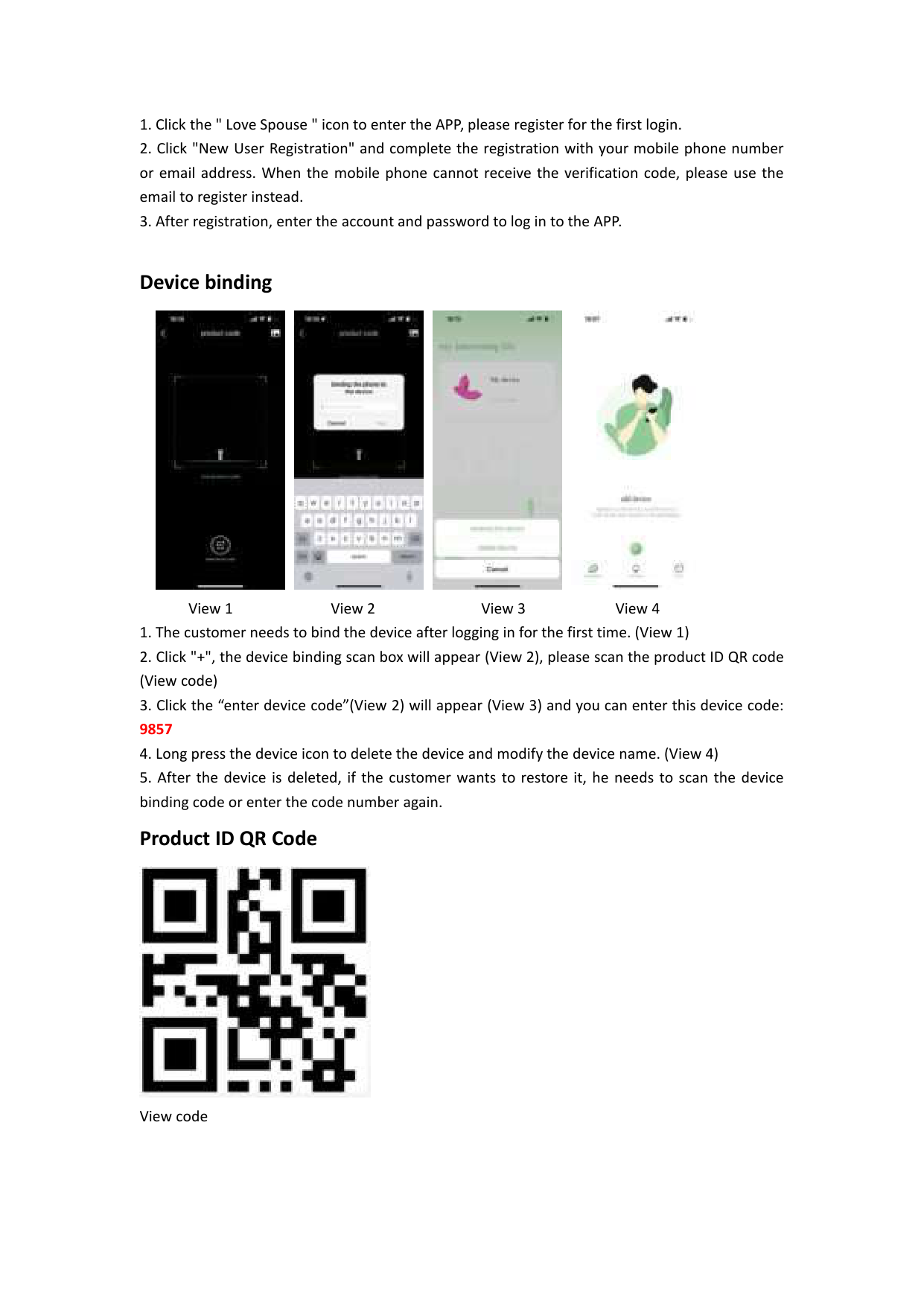


Device binding


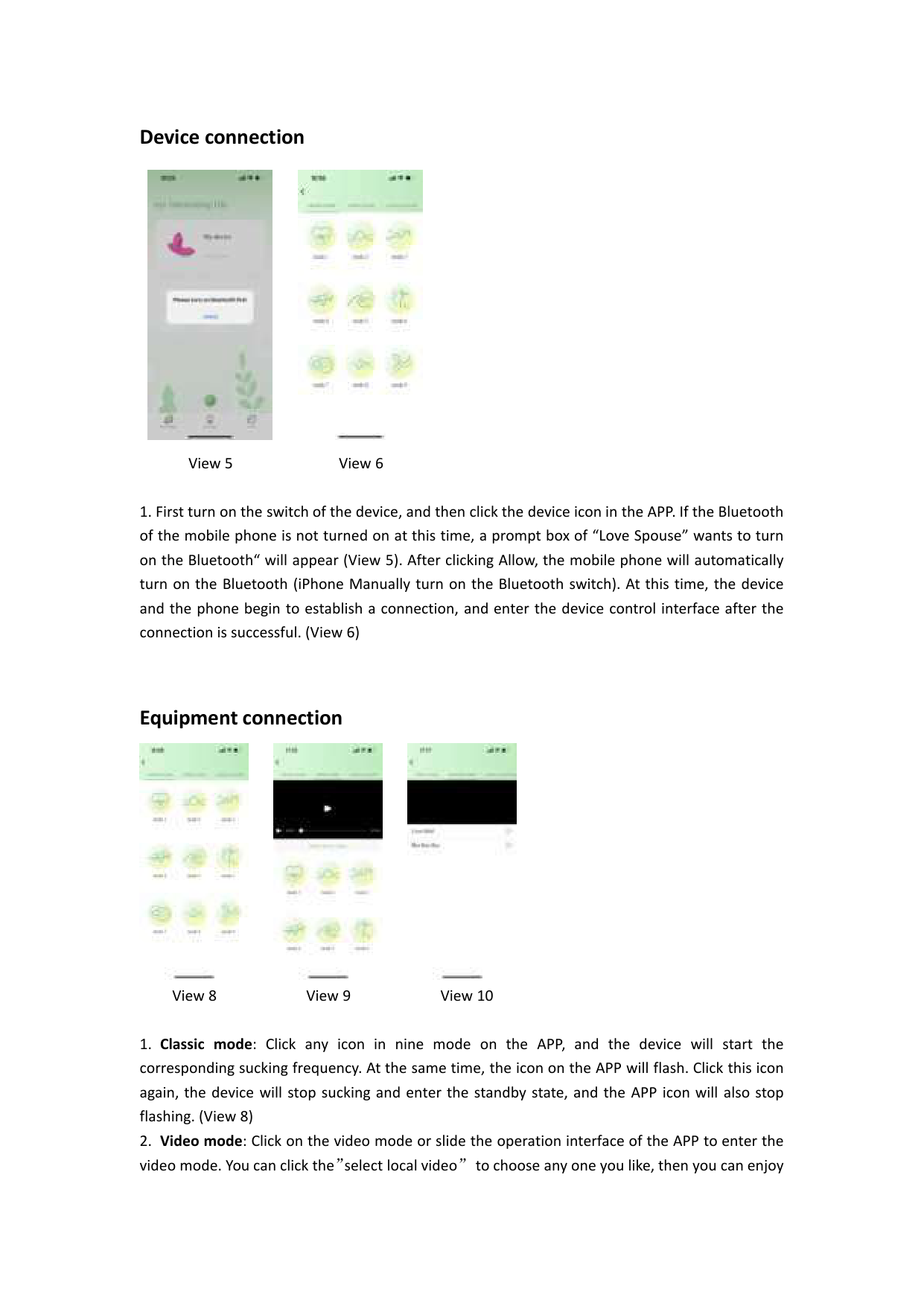
View 1 View 2 View 3 View 4

View code
Device connection


View 5 View 6
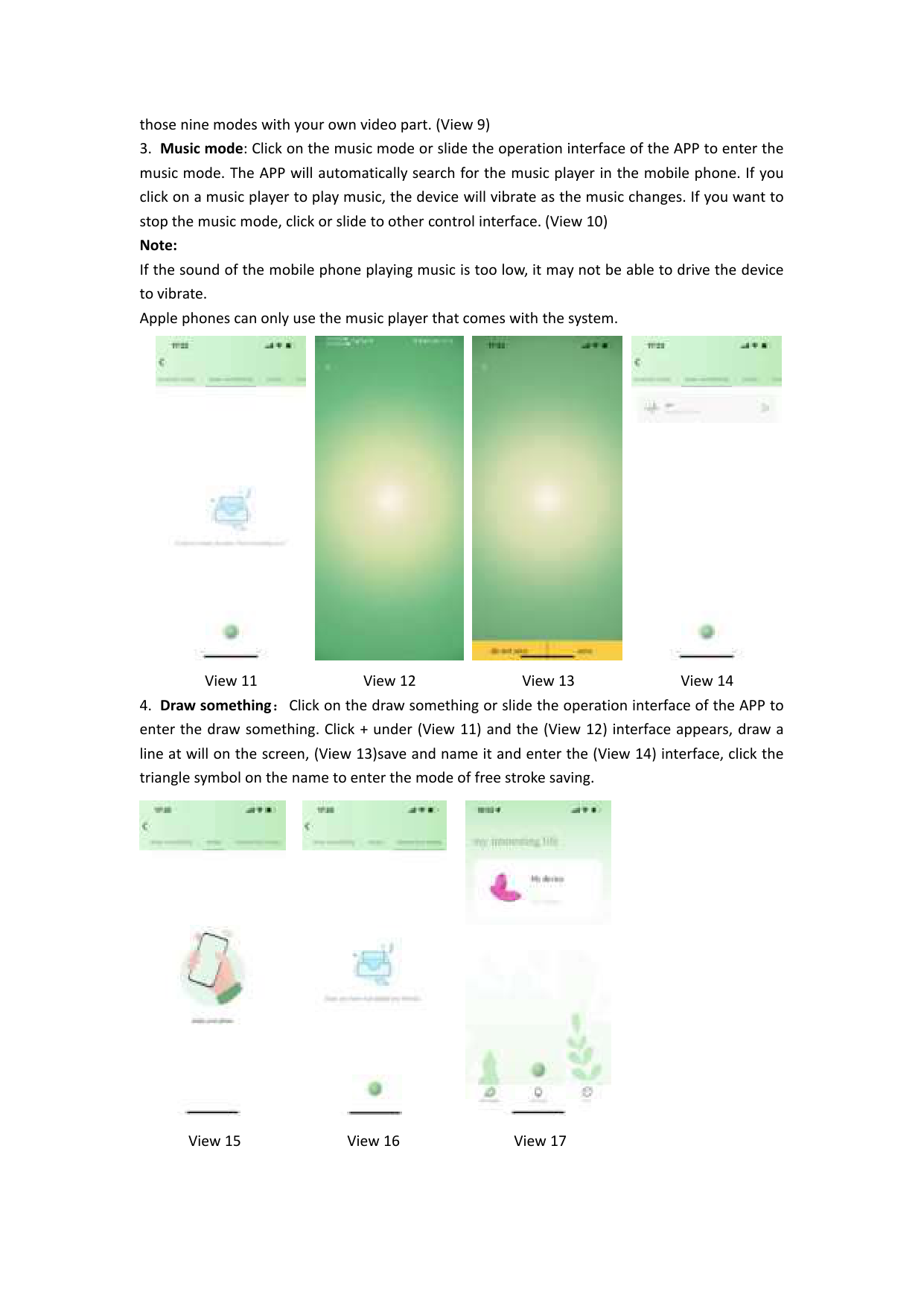
Equipment connection


View 8 View 9 View 10


View 11 View 12 View 13 View 14


View 15 View 16 View 17


View 18 View 19


View 20 View 21 View 22



View 23 View 24


View 25 View 26 View 27 View 28
#### Note: