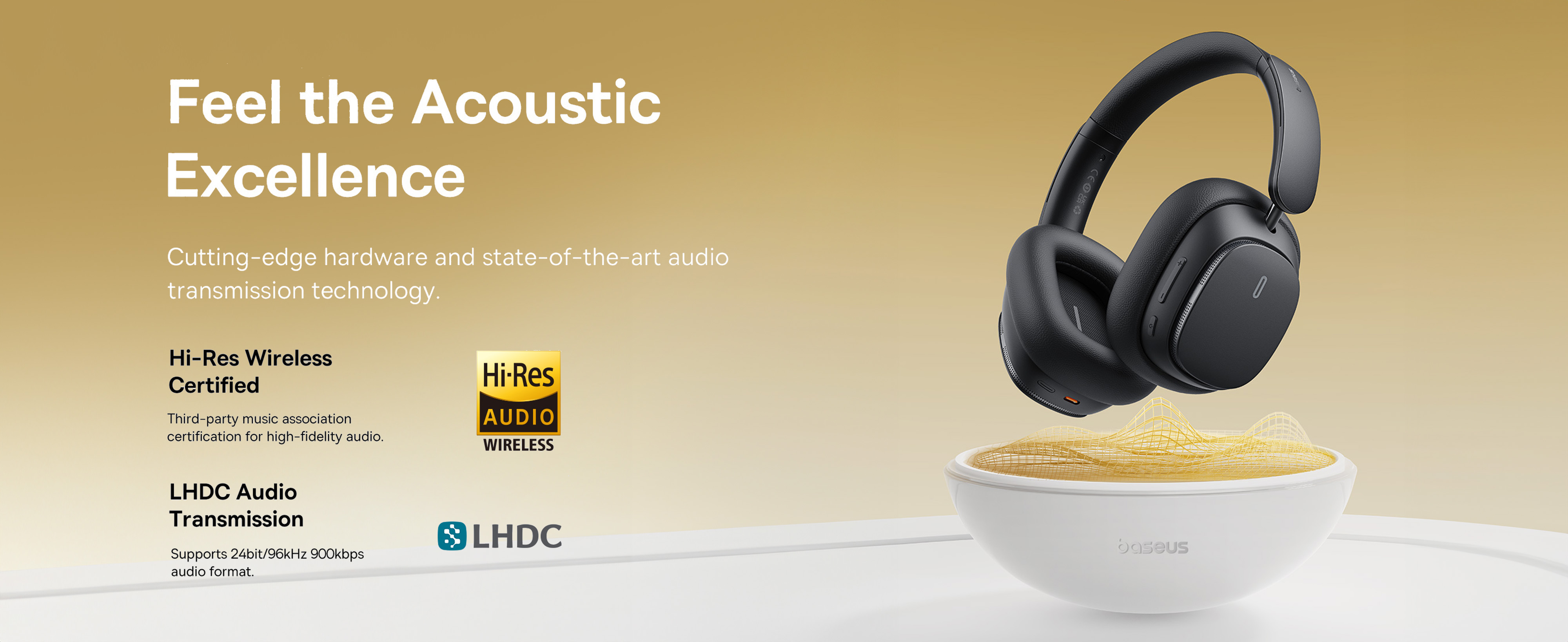
The Baseus Bowie H1 Pro (model PB4669z) is a pair of over-ear noise-cancelling Bluetooth headphones in the budget tier. They cover the basics you'd want from this class — active noise cancellation, transparent mode, a multifunction button that does too many things at once, and a battery that gets you through a workday.
If you're here, you probably want the answer to one of three things: how to pair them, how to switch modes, or what the lights mean. So let's start there.
Pairing them, the short version
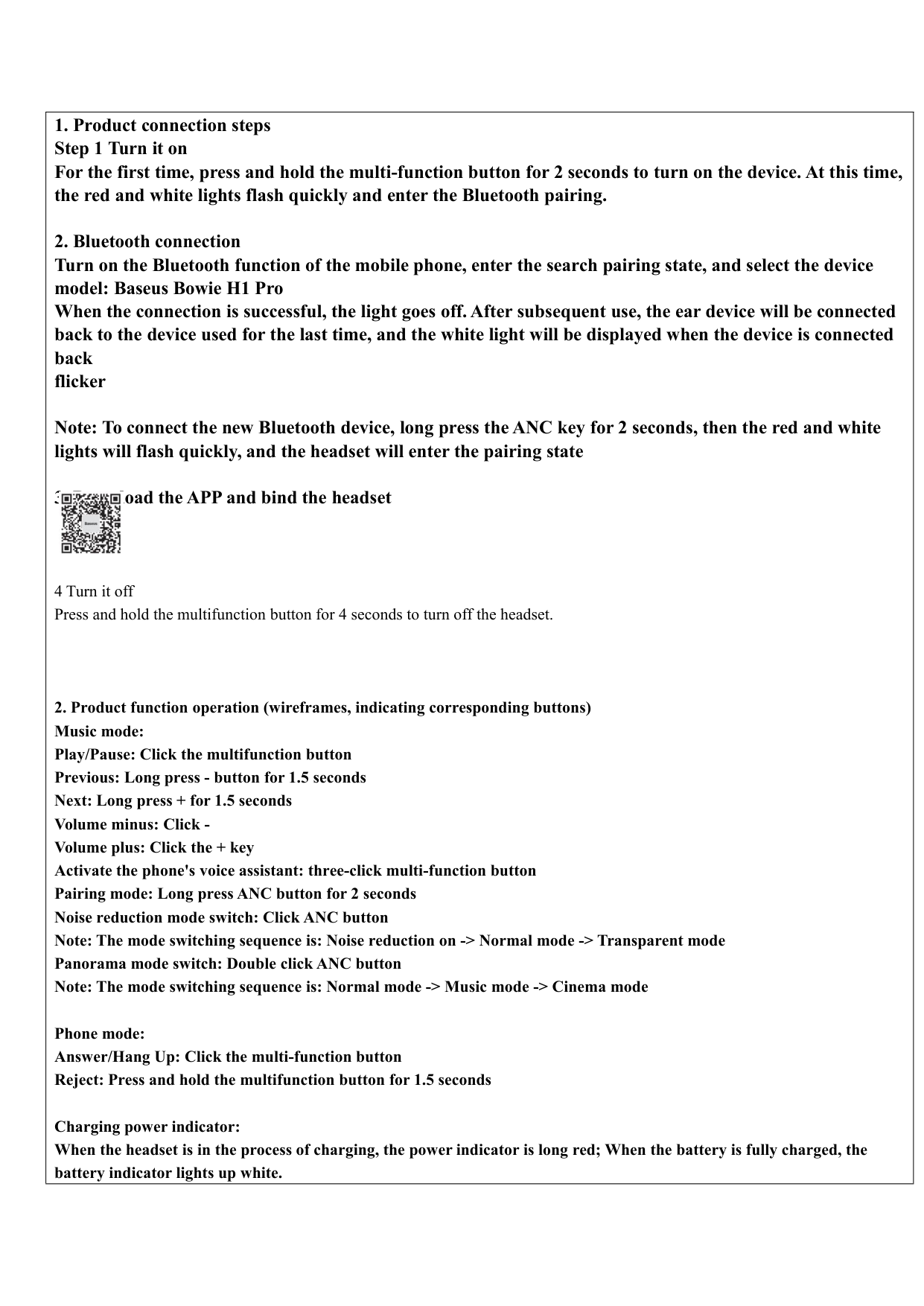
First time, brand new: press and hold the multifunction button for 2 seconds. The red and white lights flash quickly, and the headphones go into pairing mode. On your phone or laptop, find "Baseus Bowie H1 Pro" in the Bluetooth list and tap it. Light goes off when connected. From here on, the headphones auto-reconnect to that device when you turn them on.
Switching to a new device (e.g., laptop after they were paired to your phone): long-press the ANC button for 2 seconds. Same red-and-white flash, headphones drop the existing pairing and re-enter pairing mode. Find them on the new device.
If they don't show up, two things to try: turn Bluetooth off and back on on your phone, or hold the multifunction button for 4 seconds to power them off, then 2 seconds to power back on and re-enter pairing.
Source: pages 2-3 of the manual
Power and battery
Turn on: 2-second press of the multifunction button.
Turn off: 4-second press of the multifunction button. The LED blinking stops when they're fully off.
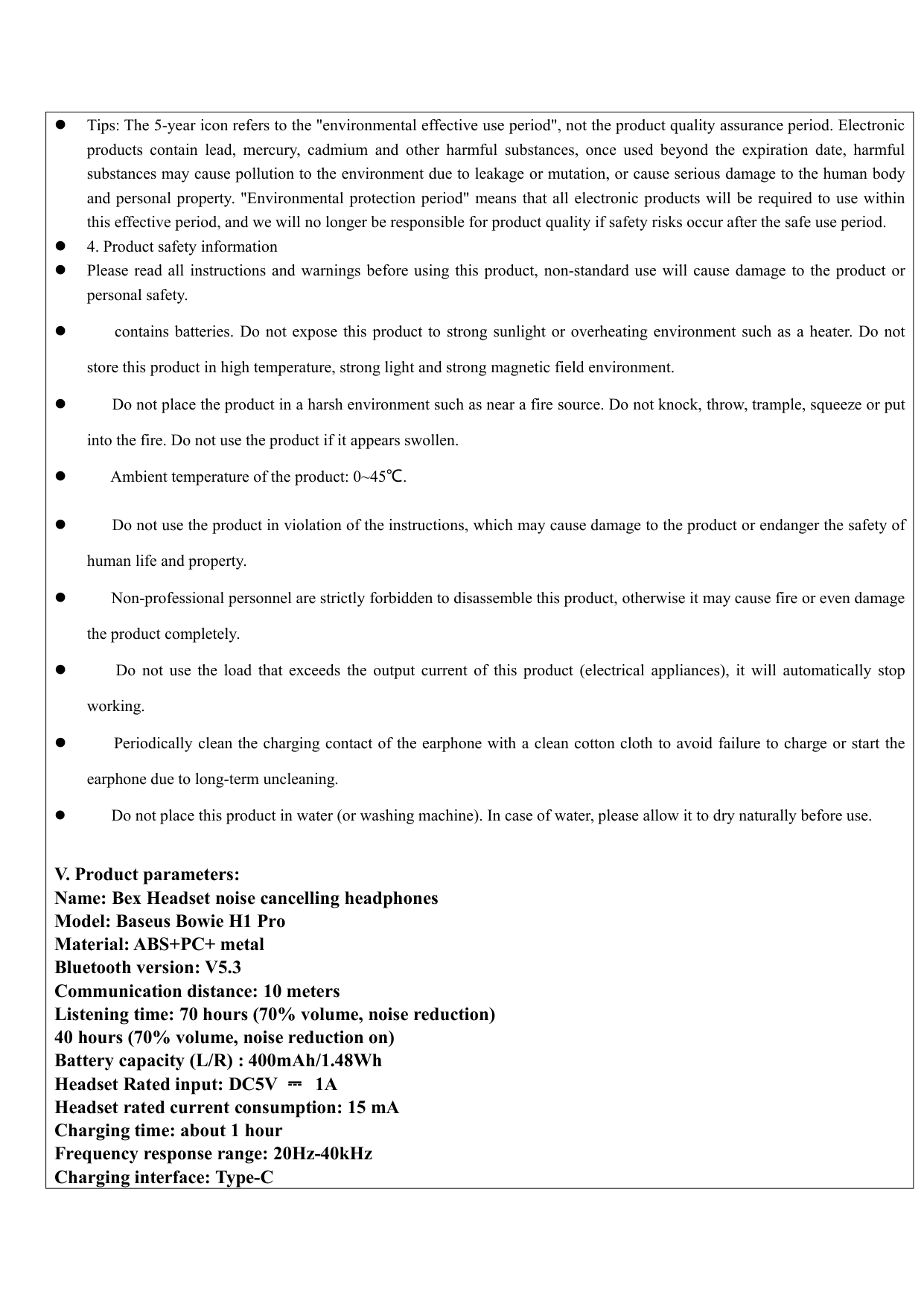
Charging: USB-C cable. The light glows solid red while charging and switches to white when fully charged. A full charge takes about an hour. The cells inside are 400mAh per side (1.48Wh).
The published battery life depends on what mode you're using. ANC drains faster than normal mode, which drains faster than no-music passive use. For real-world expectations: a workday of mixed listening (music + calls + some idle wear time) is comfortable. Two long flights without recharging is asking too much.
Source: pages 2 and 5 of the manual
The three listening modes (ANC button)
Single-click the ANC button to cycle through three modes:
- Noise reduction — active noise cancellation. Best on planes, in cafés, anywhere with constant ambient noise.
- Normal — no processing either way. Just the audio, with the natural seal of the over-ear cups providing passive isolation.
- Transparent mode — the microphones pipe outside sound into the cups, so you can hear conversations or announcements without removing the headphones.
In typical use you'll alternate between ANC and Transparent depending on the situation. Normal mode (no processing either way) is useful when your environment is already quiet and you don't want any ANC artifacts on the audio.
Source: page 3 of the manual
Indicator lights — quick reference
- Solid red while plugged in — charging
- Solid white while plugged in — fully charged
- Red and white flashing rapidly — pairing mode (waiting for a Bluetooth device to find them)
- Off, no music — connected and idle, working as intended
Care
The Bowie H1 Pro is rated for use between 0°C and 45°C (32°F to 113°F). Don't leave them in a hot car in summer, don't expose them to direct strong sunlight for long, and don't store them somewhere that gets above 50°C — the lithium cells degrade faster outside their operating range, even when off.
For the charging port: the contacts inside the USB-C jack collect lint and dust, which is the most common cause of "they won't charge anymore." Use a lint-free cotton cloth (eyeglass cleaning cloth works) or a wooden toothpick to gently clear the port if charging gets unreliable. Don't use anything metal.
Source: page 5 of the manual
Specs at a glance
- Battery: 400mAh per side, 1.48Wh
- Charge time: ~1 hour for a full charge
- Charging input: USB-C
- Modes: ANC / Normal / Transparent
- Operating temperature: 0°C to 45°C
- Bluetooth: Standard (verify version on the box; varies by production batch)
When something goes wrong
The most common issues, in order of frequency:
- Won't charge → clean the USB-C contacts. Dirt and debris on the charging contacts is the most common cause of charging failures on consumer headphones, per iFixit and headphone manufacturer support pages. A lint-free cloth or a wooden toothpick clears it; don't use anything metal.
- Won't connect to phone → forget the device on your phone (in Bluetooth settings), then re-pair from scratch with the long-press procedure above.
- One side is quieter → the L/R balance has shifted somehow. On iPhone, Settings → Accessibility → Audio/Visual → Balance. On Android, Settings → Accessibility → Audio adjustment. Reset to center.
- Microphone sounds bad on calls — the H1 Pro mic is okay for calls but not great. Wind noise and echo are the typical issues. Turn on the device's own noise suppression if available.
If a hardware issue persists, Baseus warranty covers most defects in the first year. The warranty process is usually fastest through the original seller (Amazon, AliExpress, or wherever you bought them) rather than going direct.
Alternatives
If the Bowie H1 Pro isn't the right fit, in the same price range:
- Better ANC: Anker Soundcore Life Q35 or similar
- Better mic for calls: Jabra Evolve 2 Headset (more expensive, but designed for calls)
- True wireless instead of over-ear: many options under $80
(No internal links yet — AskManual's audio catalog is currently limited.)